
I remember the afternoon a colleague asked me to recommend an AI tool for her small business. She was overwhelmed. Not by a lack of options, but by an excess of them. Her browser history showed twenty-three different platforms she had visited in the past week alone. Each promised to revolutionize her work. Each had a slick website, glowing testimonials, and a free trial button. She was paralyzed by choice, and I understood exactly how she felt.
The AI tools and software landscape in 2026 is both a treasure and a trap. The treasure is genuine. Artificial intelligence has matured into practical, accessible tools that can write, design, analyze, automate, and create in ways that were science fiction a decade ago. The trap is that the sheer volume of options makes it difficult to know where to start, what to trust, and how to build a coherent toolkit rather than a chaotic collection of half-used subscriptions.
This article provides a clear, structured overview of the AI tools and software ecosystem as it exists today. We will explore the major categories, what each type of tool does, how they fit together, and practical guidance for building a personal or organizational AI stack that actually works. Whether you are a beginner looking for your first tool or a professional evaluating your current setup, this guide will help you navigate the landscape with confidence.
Understanding the AI Software Landscape
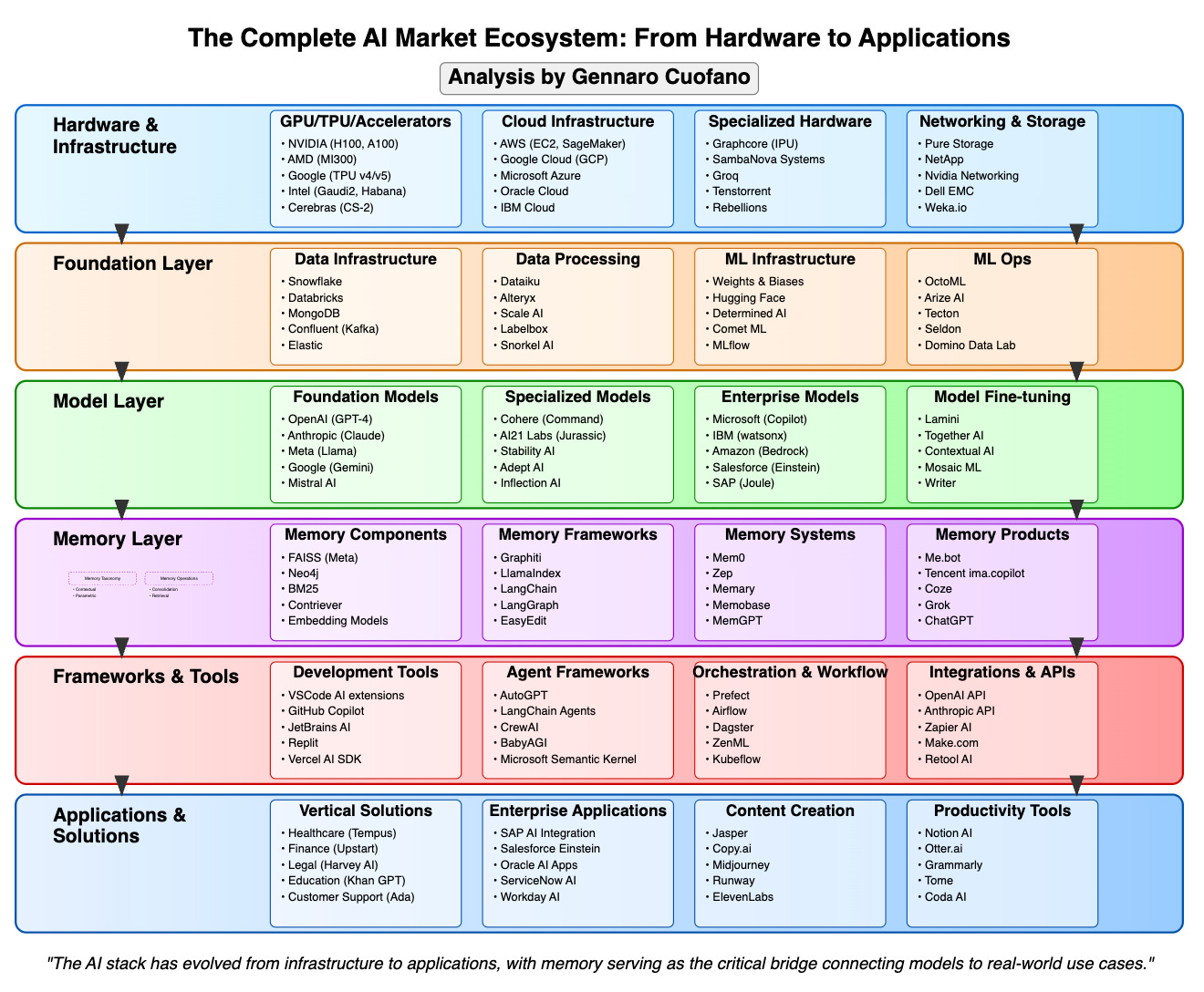
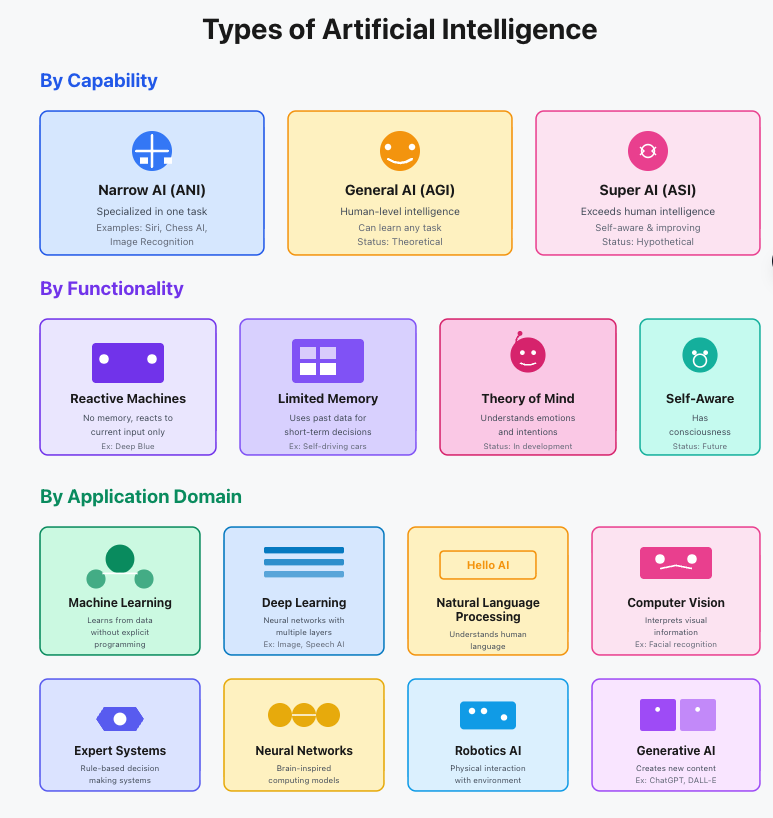
Before diving into specific tools, it helps to understand how the ecosystem is organized. AI software is not a single market. It is a collection of overlapping categories, each serving different needs and users.
At the foundation level, there are the large language models and AI infrastructure platforms that power everything else. These are the engines. Most users never interact with them directly, but they determine the capabilities available to the applications built on top of them.
Above that foundation sits a layer of general-purpose AI assistants and platforms. These are the tools most people recognize, chatbots, writing assistants, image generators, and coding companions. They offer broad capabilities accessible through simple interfaces.
The top layer consists of specialized and vertical tools. These are AI applications designed for specific industries, tasks, or workflows. They may use the same underlying models as general tools, but they add domain-specific features, integrations, and guardrails that make them more effective for their intended purpose.
Understanding this layering helps you choose tools strategically. A general-purpose assistant might handle eighty percent of your needs. Specialized tools can fill the gaps where precision matters most.
General-Purpose AI Assistants
These are the most visible and widely used AI tools. They serve as entry points for many people and remain valuable even as users add more specialized tools to their stack.
Conversational AI Assistants
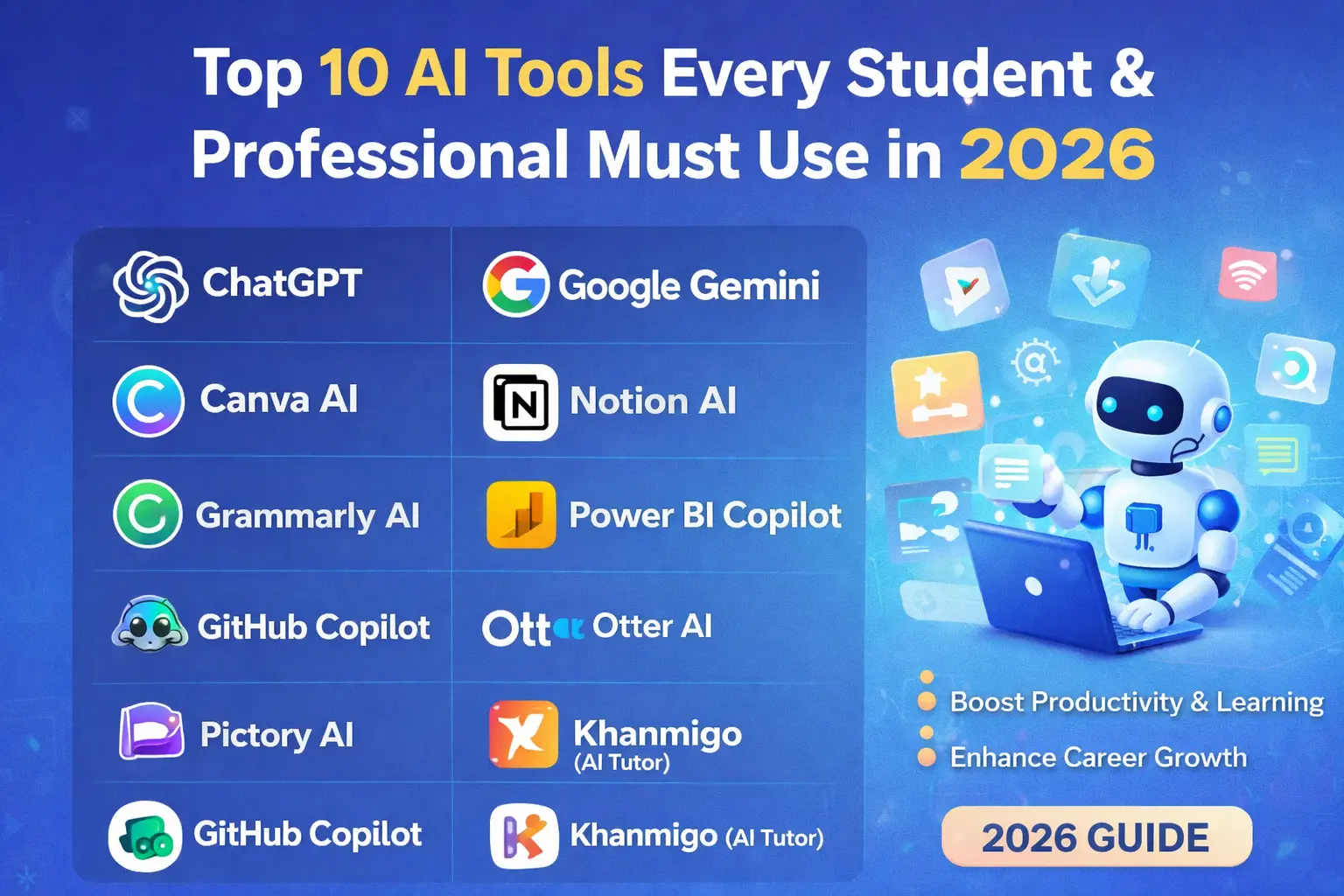
The best-known category includes tools like ChatGPT, Claude, Gemini, and their competitors. These platforms allow users to have natural language conversations, ask questions, generate text, analyze documents, write code, and brainstorm ideas. They are remarkably versatile and improve constantly.
What distinguishes the leading assistants is not just raw capability but how they handle context, safety, and specialized tasks. Some excel at creative writing. Others prioritize factual accuracy and citation. Some offer extensive customization through custom instructions and plugins. The right choice depends on your primary use case.
I use multiple assistants for different purposes. One handles research and analysis where accuracy matters most. Another serves as a creative brainstorming partner where imaginative thinking is the priority. Neither is universally superior. Each has strengths that make it the right tool for specific tasks.
AI-Powered Search and Research
Traditional search engines are being supplemented and sometimes replaced by AI research tools that synthesize information from multiple sources rather than simply listing links. These tools can summarize complex topics, compare perspectives, and even generate reports with citations.
For professionals who spend significant time gathering and analyzing information, these tools can dramatically accelerate research while maintaining source traceability. The key limitation is that they are only as good as the sources they access, and they can still hallucinate or misinterpret information. Human verification remains essential.

AI for Content Creation
Content creation was one of the earliest and most visible applications of generative AI. The tools in this category have matured significantly and now serve diverse creative needs.
Writing and Copywriting Tools
AI writing assistants range from simple grammar checkers to sophisticated long-form content generators. The best tools now offer features like tone adjustment, style matching, SEO optimization, and plagiarism detection. Some can analyze your existing writing to match your voice, making the output feel more authentically yours.
For marketers, bloggers, and business communicators, these tools have become standard equipment. They do not replace human writers, but they accelerate drafting, overcome writer’s block, and handle routine writing tasks that previously consumed hours.
Image and Design Generators
AI image generation has moved from novelty to practical tool. Modern platforms can create marketing visuals, social media graphics, product mockups, and even concept art for creative projects. The best tools offer fine-grained control over style, composition, and editing.
What has changed most significantly is the integration of these generators into design workflows. Rather than replacing designers, they have become part of the creative process, used for rapid prototyping, mood boarding, and generating variations that designers then refine.
Video and Audio Tools
Video generation and editing AI has advanced rapidly. Tools can now generate short clips from text descriptions, edit footage automatically, add captions, and even clone voices for narration. Audio tools can generate music, create sound effects, and produce realistic voiceovers.
These capabilities are still evolving, and quality varies widely. But for content creators working under tight deadlines, they offer possibilities that were previously available only to well-funded production studios.
AI for Productivity and Organization
Perhaps the most transformative AI applications are those that quietly handle the administrative and organizational tasks that consume so much of our time.
Smart Note-Taking and Knowledge Management
AI-enhanced note-taking tools can transcribe meetings, summarize long documents, extract action items, and even connect related ideas across your notes. For knowledge workers who generate and consume large volumes of information, these tools turn scattered notes into organized, searchable knowledge bases.
I have found that the real value is not in the initial capture but in the retrieval. Being able to ask your notes a question and receive a synthesized answer based on everything you have recorded is genuinely transformative for research and project work.
Task and Project Management
AI is increasingly embedded in project management platforms, offering features like automatic task prioritization, workload balancing, deadline prediction, and progress summarization. These capabilities do not replace project managers but augment their ability to keep complex initiatives on track.
The best implementations feel like having an experienced assistant who monitors your projects, flags risks, and suggests adjustments before problems become crises.
Email and Communication Assistance
AI email assistants can draft responses, summarize long threads, suggest follow-ups, and even schedule meetings. For anyone whose inbox feels like a second job, these tools reclaim significant time and mental energy.
The key is finding a balance. Over-automation can make communication feel impersonal. The best tools suggest and assist while leaving final decisions and personal touches to the human sender.
AI for Coding and Technical Work
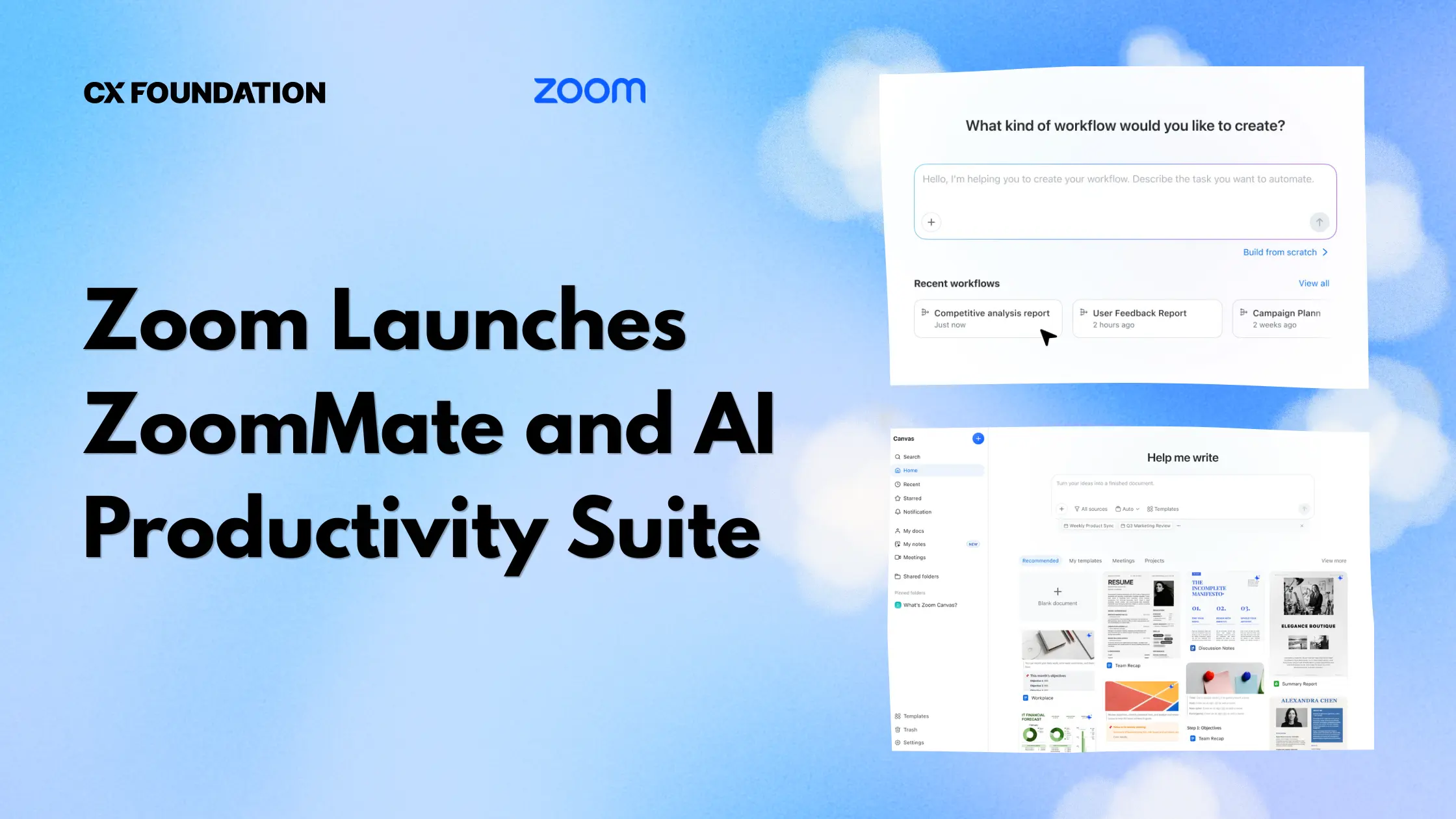
Software development has been transformed by AI coding assistants that can write, review, debug, and explain code.
Code Generation and Completion
Modern coding assistants can generate entire functions from natural language descriptions, autocomplete complex code blocks, and suggest improvements to existing code. They support dozens of programming languages and integrate directly into popular development environments.
For experienced developers, these tools accelerate routine coding and reduce time spent on boilerplate. For learners, they provide interactive explanations and examples that can accelerate understanding. The key limitation is that generated code requires human review. AI assistants are knowledgeable but not infallible.
Code Review and Debugging
Some AI tools specialize in reviewing code for bugs, security vulnerabilities, and style violations. They can catch issues that human reviewers miss, especially in large codebases where manual review is impractical.
These tools are particularly valuable for teams without dedicated security expertise, as they can identify common vulnerabilities and suggest fixes based on established best practices.
Documentation and Testing
AI can generate documentation from code comments, create test cases, and even write user-facing documentation. These are tasks that developers often neglect due to time pressure. AI assistance makes it feasible to maintain quality documentation and comprehensive test coverage without sacrificing development speed.
AI for Data Analysis and Business Intelligence
Data is only valuable when it leads to insight. AI tools are making that transformation faster and more accessible.
Automated Analytics Platforms
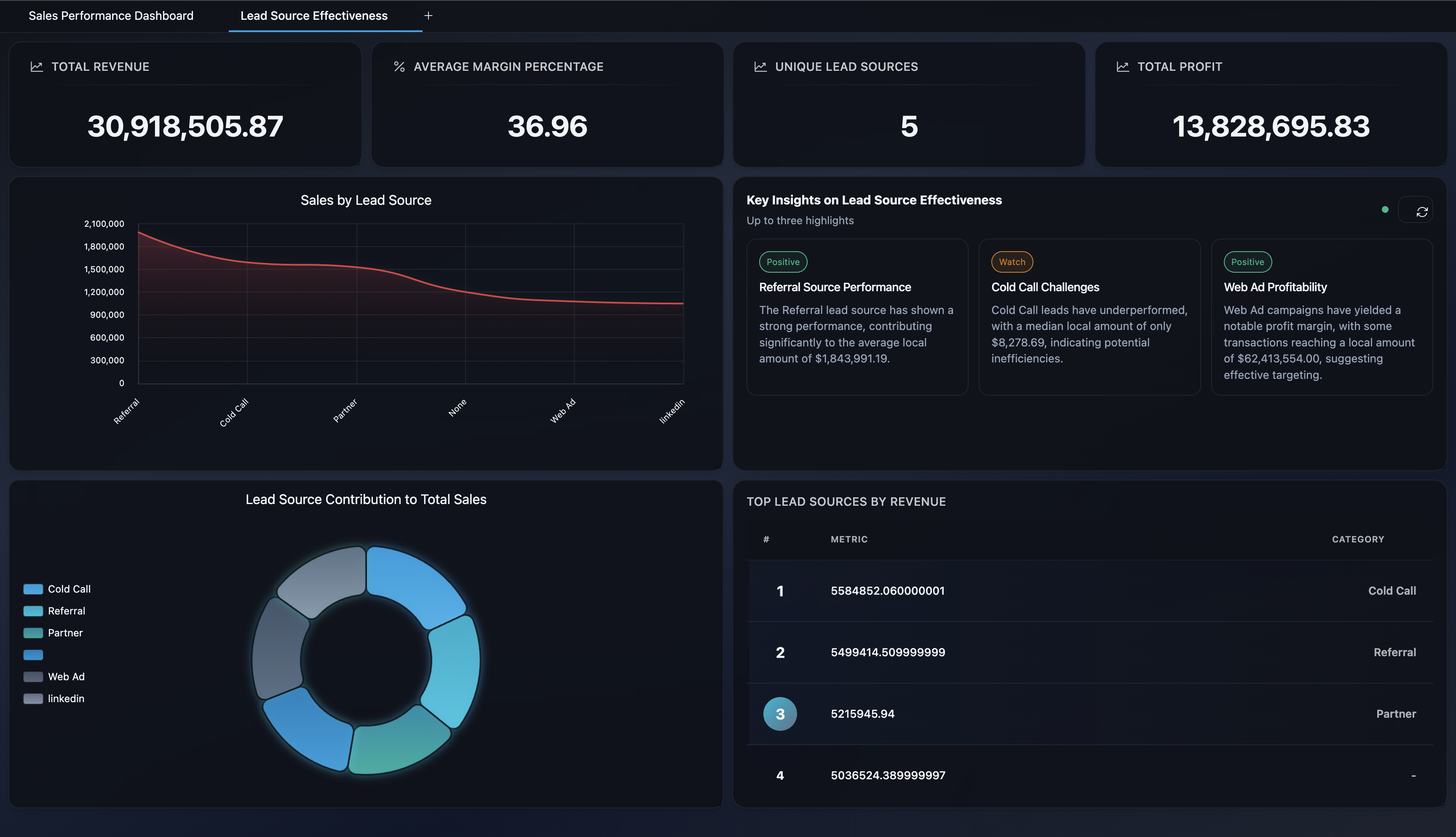
Modern analytics tools use AI to identify trends, anomalies, and correlations in business data without requiring users to write queries or build dashboards manually. They can generate natural language summaries of complex datasets and suggest questions you might not have thought to ask.
For small businesses without dedicated data teams, these tools democratize access to insights that were previously available only to large enterprises with analytics departments.
Predictive Modeling
AI prediction tools can forecast sales, inventory needs, customer churn, and other business outcomes based on historical data. While not infallible, these predictions often outperform human intuition and simple trend extrapolation.
The value is in early warning and proactive planning. A retailer who knows which products will likely sell out can adjust orders before stock runs low. A subscription business that identifies at-risk customers can intervene before they cancel.
Data Visualization and Reporting
AI-powered visualization tools can automatically choose the most effective chart types, highlight important data points, and generate presentation-ready reports. This reduces the time spent on formatting and allows analysts to focus on interpretation and recommendation.
AI for Customer Service and Engagement
Businesses of all sizes are using AI to improve how they interact with customers.
Intelligent Chatbots
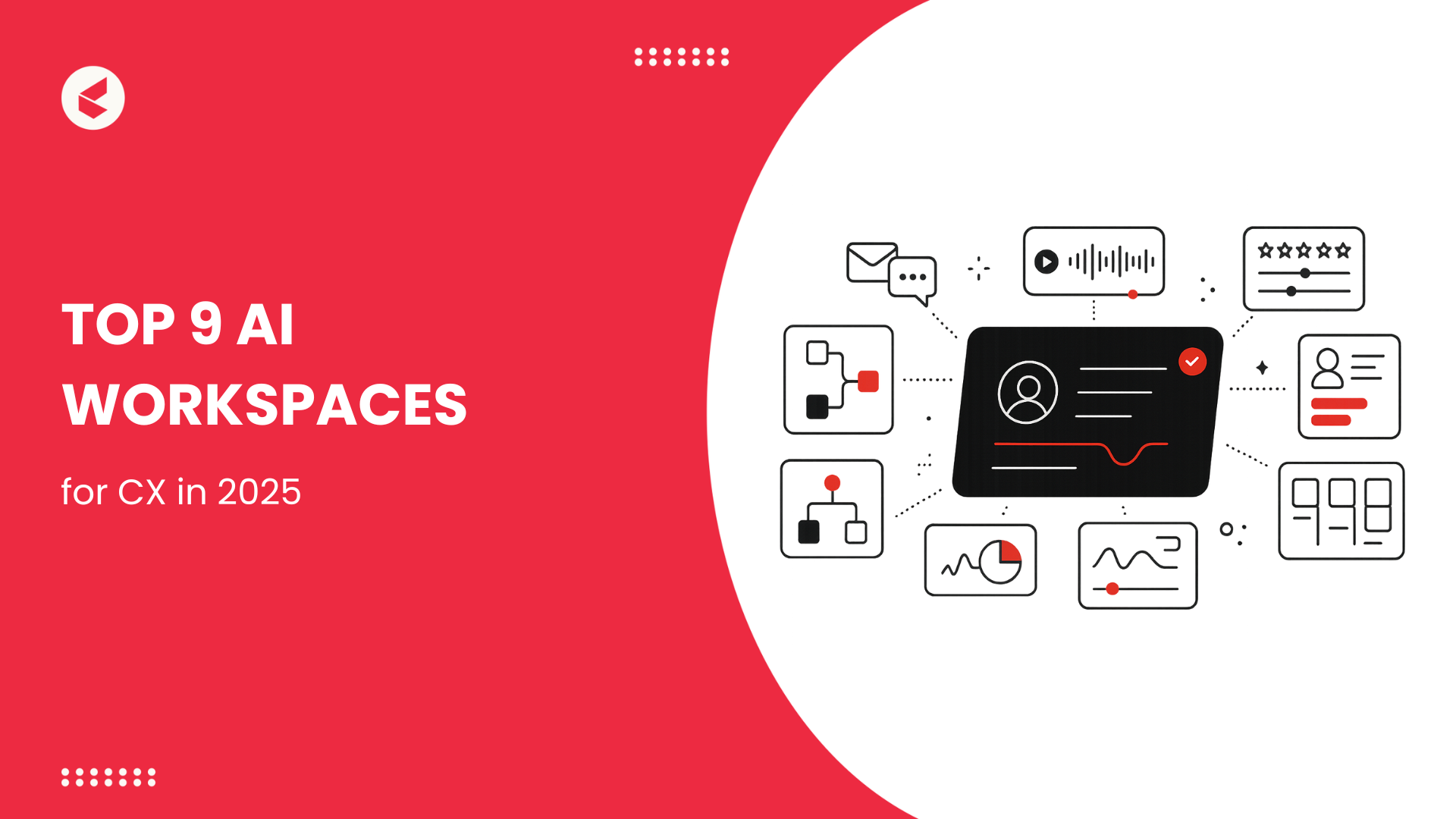
Modern AI chatbots can handle complex customer inquiries, process orders, troubleshoot problems, and escalate to human agents when necessary. The best implementations maintain context across conversations and learn from interactions to improve over time.
The key to success is not replacing human agents but augmenting them. AI handles routine inquiries efficiently, freeing human staff for complex, emotional, or high-value interactions.
Sentiment Analysis and Feedback Processing
AI tools can analyze customer reviews, social media mentions, and support tickets to identify sentiment trends, emerging issues, and opportunities for improvement. This provides businesses with real-time awareness of customer perception that would be impossible to achieve through manual monitoring.
Personalized Marketing
AI marketing platforms can segment audiences, personalize content, optimize send times, and predict which offers will resonate with specific customers. The result is more relevant communication and higher engagement without proportional increases in marketing effort.
Building Your Personal AI Toolkit
With so many options, the challenge is not finding tools but curating a coherent set that works together. Here is a practical approach.
Start With Your Biggest Friction Point
Identify the task that consumes the most time or causes the most frustration in your work. Find one AI tool specifically designed to address that problem. Master it before adding others. A single well-used tool delivers more value than ten half-explored subscriptions.
Ensure Integration
Your AI tools should connect with each other and with your existing software. A writing tool that integrates with your content management system is more valuable than a slightly better standalone tool that requires manual copying and pasting. Check for APIs, plugins, and native integrations before committing.
Maintain a Lean Stack
Resist the urge to collect tools. Each new platform adds cognitive overhead, subscription cost, and security exposure. Regularly audit your toolkit and eliminate tools that overlap or underperform. I review my AI stack quarterly and typically remove one or two tools for every new one I add.
Prioritize Data Ownership
Understand where your data goes and who controls it. Some AI tools train their models on user inputs, which may be unacceptable for sensitive business or personal information. Choose tools with clear data policies, encryption, and export options. When possible, prefer tools that process data locally or offer private cloud deployment.
Invest in Learning
The best AI tool is the one you know how to use well. Spend time learning each tool’s advanced features, keyboard shortcuts, and customization options. The difference between a casual user and a power user is often ten times the output quality and efficiency.
Common Mistakes When Adopting AI Tools
Even with good intentions, it is easy to misuse or underuse AI software. Here are the most common pitfalls.
Buying Tools Without a Clear Use Case
The marketing is compelling. The demo is impressive. But if you do not have a specific problem the tool solves, it will sit unused. Always start with the need, not the product.
Expecting Magic
AI tools are powerful but not magical. They require guidance, review, and correction. Expecting perfect results without human oversight leads to disappointment and potentially embarrassing errors.
Ignoring the Learning Curve
Every tool requires some investment to use effectively. Skipping tutorials and documentation produces mediocre results that do not reflect the tool’s actual capability. Budget time for learning alongside budget for the subscription.
Over-Automating Human Touchpoints
Some interactions require genuine human connection. Automating customer complaints, sensitive feedback, or relationship-building communication can damage trust. Use AI for efficiency, but preserve human presence where empathy and judgment matter.
Neglecting Security
AI tools often have broad access to your data, communications, and workflows. Failing to review security settings, enable two-factor authentication, and understand data handling practices creates vulnerabilities that can be exploited.
Frequently Asked Questions
How many AI tools should I be using?
Quality matters more than quantity. Most individuals and small teams can handle their core needs with three to five well-chosen tools. Larger organizations may require more, but fragmentation should be actively managed.
Do I need to pay for AI tools, or are free versions enough?
Free versions are often sufficient for casual use and initial exploration. Paid versions typically offer higher usage limits, advanced features, better performance, and customer support. Upgrade when free limitations genuinely block your work.
Can AI tools replace the software I already use?
Sometimes, but rarely completely. AI is more often an enhancement layer than a replacement. Many successful implementations add AI capabilities to existing tools rather than replacing established workflows entirely.
How do I keep up with new AI tools without constantly switching?
Follow a small number of trusted reviewers and industry publications. Set a rule that you will only evaluate new tools quarterly and only if they address a gap your current stack cannot fill. Resist FOMO-driven adoption.
Are AI tools safe for sensitive business data?
It depends on the tool and your configuration. Review privacy policies, choose enterprise-grade options with security certifications when handling sensitive data, and consider on-premises or private cloud deployments for the most sensitive applications. When in doubt, consult your organization’s IT security team.
Final Thoughts
The AI tools and software landscape of 2026 offers extraordinary capability to anyone willing to engage with it thoughtfully. The challenge is no longer access. It is curation, integration, and mastery. The professionals and organizations that thrive will not be those with the most tools, but those who have built coherent, secure, and effective AI ecosystems that genuinely serve their goals.
My colleague with twenty-three browser tabs eventually found her solution. She identified her single biggest pain point, client communication, chose one well-reviewed tool, invested a week in learning it deeply, and gradually added complementary tools only when clear gaps emerged. Six months later, her business was running more smoothly, her stress was lower, and she had a manageable toolkit rather than a chaotic collection.
That is the approach this guide advocates. Start with need. Choose with care. Learn with intention. Review regularly. In a world of overwhelming AI abundance, the ultimate skill is not using everything. It is choosing wisely and using well what you choose.